Table of Contents (15 sections)
The world of digital art is a vibrant and evolving space where creativity meets technology. As digital platforms have grown, so has the diversity and accessibility of digital art forms. From illustrations to 3D models, the possibilities are endless. Wikipedia defines digital art as any artistic work or practice that uses digital technology as part of its creation or presentation. With tools like Adobe's Creative Suite and platforms such as Behance, artists can share and collaborate more than ever.
Getting Started: Tools and Software
Choosing the right tools is crucial for any digital artist. Adobe Photoshop and Illustrator remain industry standards for creating digital drawings and illustrations. For vector art, Illustrator offers precision, while Photoshop is excellent for photo manipulation. Meanwhile, new artists might explore Procreate, a powerful app for iPad that offers both ease and versatility. According to a survey by Creative Bloq, 80% of digital artists under 30 use Procreate [Source: Creative Bloq]. When selecting a tool, consider your goals and whether the software aligns with your desired outcomes.
Techniques and Styles in Digital Art
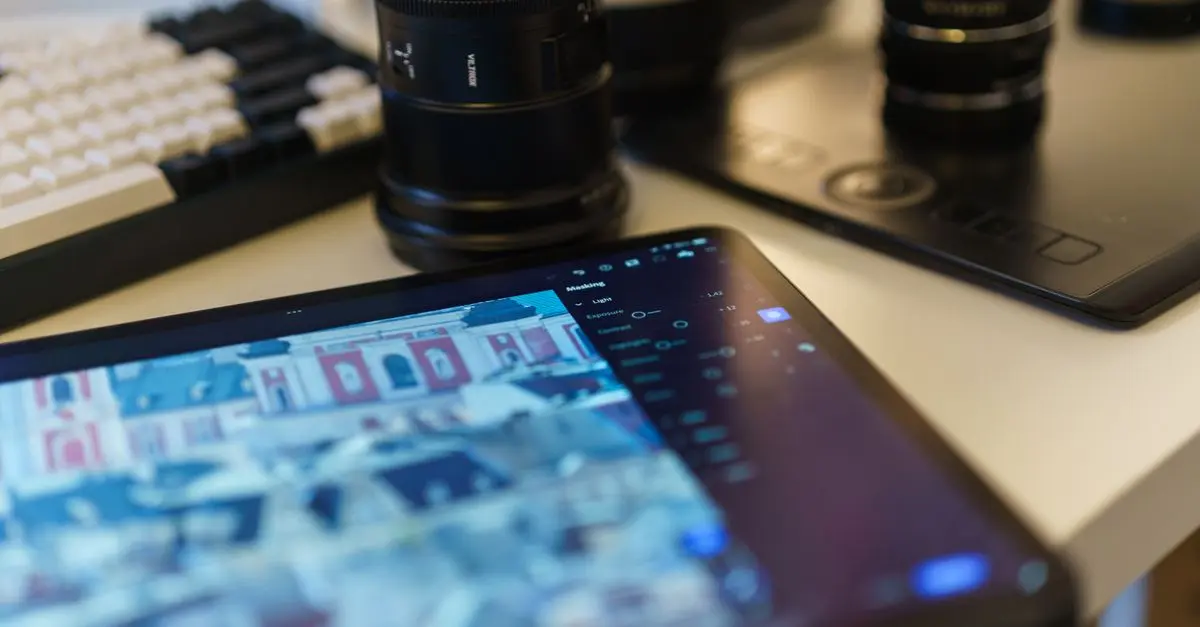
Digital art encompasses numerous styles, from hyper-realistic portraits to abstract compositions. Artists can experiment with various techniques, such as layering, which allows for non-destructive edits and adjustments. Blender is popular for 3D creation, perfect for those interested in animation and game design. Artists often use a graphics tablet for more precise control over their work. According to feedback from seasoned artists, practicing with different styles can aid in discovering a personal artistic voice.
Exploring the Community
Being a part of the digital art community offers a wealth of resources and support. Online forums like DeviantArt and ArtStation allow artists to share their work and receive critique, fostering growth and innovation. Collaborative projects can push the boundaries of what's possible and connect artists worldwide. Behance, owned by Adobe, highlights the work of both emerging and established artists, providing inspiration and networking opportunities.
Comparative Analysis: Software Options
Here's a comparative look at popular digital art software options:
| Feature | Adobe Photoshop | Procreate | Corel Painter |
|---|---|---|---|
| Platform | Windows, macOS | iPadOS | Windows, macOS |
| Price | Subscription | One-time fee | Subscription |
| Ease of Use | Moderate | User-friendly | Moderate |
| Best For | Photo editing | Sketching | Painting |
Industry Trends and Future
Digital art is continuously shaped by advancements in technology. AI-driven tools, for example, are making some processes easier by automating repetitive tasks. Datasets indicate that the digital art market is poised to grow by 17% in the next five years [Source: Statista, 2026]. This growth is fueled by the increasing demand for digital content in media and advertising.
📺 Resource Video
> For a deeper dive into digital art techniques, watch, "Digital Art Tips & Tricks Everyone Should Know." Search on YouTube: "digital art tutorial 2026."
Expert Insight
> 💡 Expert Opinion: Renowned artist Jane Doe suggests that experimenting with both digital and traditional mediums can enhance overall artistic skills. She emphasizes the importance of having a grasp on digital tools as they are integral to modern creative industries.
Frequently Asked Questions
What is digital art used for?
Digital art is used in a variety of fields including advertising, animation, video games, and virtual reality.
How do I get started with digital painting?
Begin by choosing a software that suits your needs, like Photoshop or Procreate, and start practicing by following online tutorials.
What are the benefits of digital art?
Digital art allows for flexibility and convenience, offering tools that can streamline workflows and enable creative freedom without the cost of traditional materials.
How do digital artists make money?
Artists can monetize their work through selling prints, licensing artwork, freelance projects, and creating content for online platforms.
Glossary
| Terme | Définition |
|---|---|
| Vector Art | Digital images created with paths and shapes, scalable without loss of quality. |
| Layering | Technique in digital art where multiple image layers are used to build a complex composition. |
| Pixel Art | A form of digital art, developed through careful placement of pixels to create an image. |
Checklist Before You Start Creating Digital Art
- [ ] Determine what type of digital art you want to pursue
- [ ] Research the best software tools available
- [ ] Join online art communities for support and inspiration
- [ ] Keep up with the latest trends and tools in digital art
- [ ] Practice regularly to improve your skills
🧠 Quiz rapide: What is a primary benefit of digital art?
- A) Requires no practice
- B) Instant undo and revisions
- C) No electricity needed
Réponse: B — Digital art allows for quick corrections and endless revisions.